
Automatic updates
By default, presentaid will search for a new version with each start. If a new version is available the update will be installed silently in the background. The changes are effective after you restart the MS Office Application.
Manual update
If an update is available you can see a red dot on top of the About button in the ribbon.
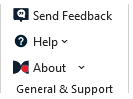
In case the automatic updates are disabled and you want to manually update presentaid proceed as follows.
- Open the presentaid About window in the Ribbon
- Check if an update is available. Click on Update to install the update. The latest version is installed in the background.
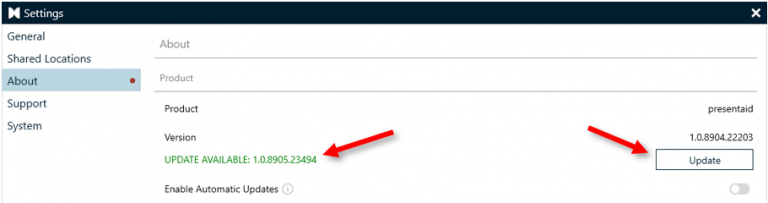
Update Available - After the installation you have to restart PPT/XLS
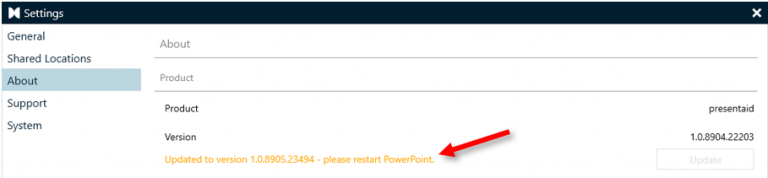
Update Installed
Suppress updates
If you want to suppress updates in general you can add the following key to your registry:
[HKEY_CURRENT_USER\Software\bkt solutions\presentaid]
"SuppressUpdates"="true"